2013: Gmail Introduces Tabs and Email Marketers Panic
On May 29, 2013, at the Google I/O developer conference, Google announced a seemingly minor user interface update to Gmail: inbox tabs. Instead of all emails landing in a single chronological stream, Gmail would now automatically sort messages into up to five categories — Primary, Social, Promotions, Updates, and Forums. The sorting happened automatically, powered by Google’s classification algorithms, and it was enabled by default for all Gmail users.
For Gmail’s users, it was a welcome organizational upgrade. For the email marketing industry, it triggered something close to collective cardiac arrest.
The Marketers’ Nightmare Scenario
The fear was simple and existential: if promotional emails were automatically shunted to a separate tab, would anyone ever see them? Email marketers had spent years optimizing for one thing above all else — inbox placement. Getting past spam filters and into the inbox was the holy grail. Now Google was saying, “Sure, you’re in the inbox — just not the part of the inbox anyone actually looks at.”
Industry forums erupted. Blog posts with titles like “Gmail Tabs: The Death of Email Marketing” proliferated. Return Path, the email deliverability monitoring company, published early analysis suggesting that the Promotions tab could reduce open rates significantly. MailChimp, Constant Contact, and other major email service providers scrambled to publish guidance for their customers.
Some marketers immediately began coaching subscribers to drag their emails from the Promotions tab to Primary — a practice that became so widespread that “move us to your Primary tab” instructions became a genre of their own. Template emails circulated with step-by-step screenshots showing users how to manually override Google’s categorization.
What Actually Happened
The panic, as it turned out, was overblown — though not entirely unfounded.
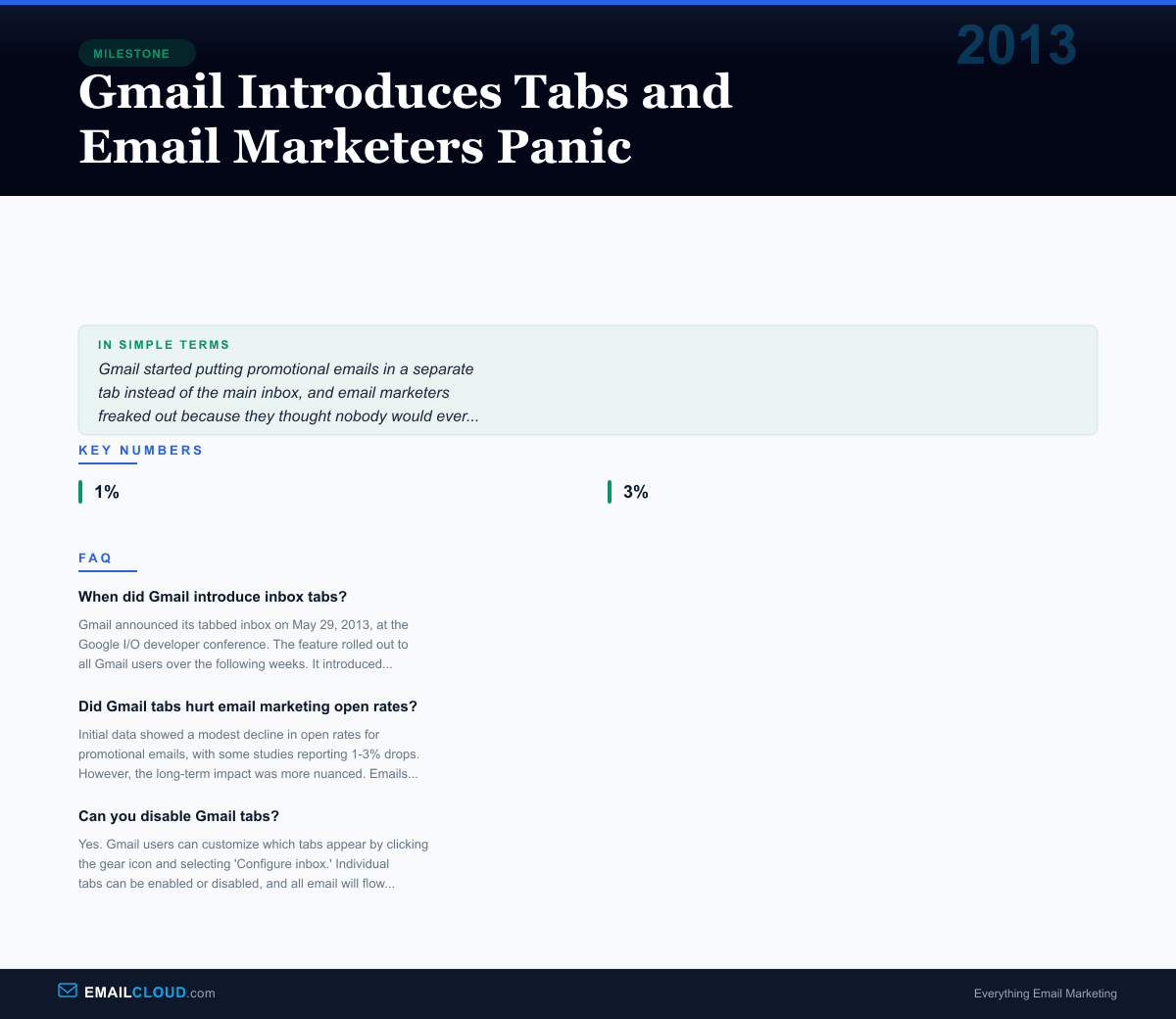
Early studies from firms like Mailbox Provider and Return Path showed that open rates for emails landing in the Promotions tab did decline, with estimates ranging from 1% to 3% on average. Some individual senders reported larger drops, particularly those whose emails had previously benefited from landing in the Primary tab alongside personal messages.
But a more nuanced picture emerged over the following months. Several counterintuitive findings complicated the doom-and-gloom narrative.
First, users who opened the Promotions tab tended to be in a browsing/shopping mindset. They were actively looking for deals, offers, and brand content. This meant that while open rates might be lower in absolute terms, the quality of engagement — click-through rates, conversion rates, time spent reading — was often higher. People opening your email from the Promotions tab were there on purpose, not annoyed that your newsletter interrupted their view of personal messages.
Second, Gmail’s sorting reduced unsubscribe rates. When promotional emails lived alongside personal messages, they created noise and annoyance, prompting users to hit unsubscribe (or worse, report as spam). With tabs, users could ignore promotional emails when they weren’t in the mood and browse them when they were, reducing the friction that led to list attrition.
Third, the Promotions tab actually helped with deliverability in a roundabout way. Before tabs, users who were overwhelmed by promotional emails would sometimes mark them as spam, which poisoned the sender’s reputation with Gmail. With tabs providing a natural organizational layer, the spam-button impulse decreased.
The Deeper Shift
Gmail’s tabs represented something larger than a UI change. They signaled that email providers were no longer neutral conduits for messages — they were active curators of the inbox experience. Google was asserting the right to decide not just which emails were spam, but which legitimate emails deserved prominence.
This was a paradigm shift for email marketers who had operated under the assumption that getting past the spam filter was the finish line. Now there was another layer: algorithmic categorization that could determine whether your email landed in the tab that users checked 50 times a day (Primary) or the one they checked twice a week (Promotions).
The change also accelerated a trend that had been building for years: the growing importance of subscriber engagement as a deliverability factor. Gmail’s algorithms used engagement signals — opens, clicks, replies, moves to Primary — to refine their categorization. Emails that consistently generated engagement were more likely to land in Primary. Emails that were consistently ignored were more likely to stay in Promotions or drift toward spam.
This created a positive feedback loop for good senders and a negative one for lazy ones. If your content was genuinely valuable and your subscribers actively engaged with it, Gmail’s algorithms would reward you. If you were blasting generic promotions to unengaged lists, the tabs would bury you.
The Long-Term Impact
More than a decade later, Gmail’s tabbed inbox remains largely unchanged. Other email providers have implemented similar categorization features — Outlook’s Focused Inbox (2016), Yahoo’s curated views, and Apple Mail’s categories. The concept of automated inbox organization is now standard, not controversial.
For email marketers, the tabs forced a necessary evolution. The pre-tabs era rewarded volume — send more emails, get more impressions. The post-tabs era rewards relevance — send better emails, get better placement. The marketers who adapted by focusing on genuine value, compelling subject lines, and engaged audiences came out stronger. The ones who relied on volume and inertia were the ones who suffered.
Gmail’s Promotions tab didn’t kill email marketing. It killed lazy email marketing. And the industry is better for it.
Want to make sure your emails are compelling enough to get opened regardless of which tab they land in? Test your subject lines with our Subject Line Grader and check your content with the Spam Word Checker.
Infographic
Share this visual summary. Right-click to save.
Related Events
Frequently Asked Questions
When did Gmail introduce inbox tabs?
Gmail announced its tabbed inbox on May 29, 2013, at the Google I/O developer conference. The feature rolled out to all Gmail users over the following weeks. It introduced up to five tabs: Primary, Social, Promotions, Updates, and Forums, automatically sorting incoming email into categories.
Did Gmail tabs hurt email marketing open rates?
Initial data showed a modest decline in open rates for promotional emails, with some studies reporting 1-3% drops. However, the long-term impact was more nuanced. Emails in the Promotions tab that were opened tended to have higher engagement rates, as users who switched to that tab were actively looking for deals and offers. Many marketers eventually found that the tab created more intentional, higher-quality opens.
Can you disable Gmail tabs?
Yes. Gmail users can customize which tabs appear by clicking the gear icon and selecting 'Configure inbox.' Individual tabs can be enabled or disabled, and all email will flow to the Primary tab if other tabs are turned off.